Taking a look at MapLibre Tiles (MLT)
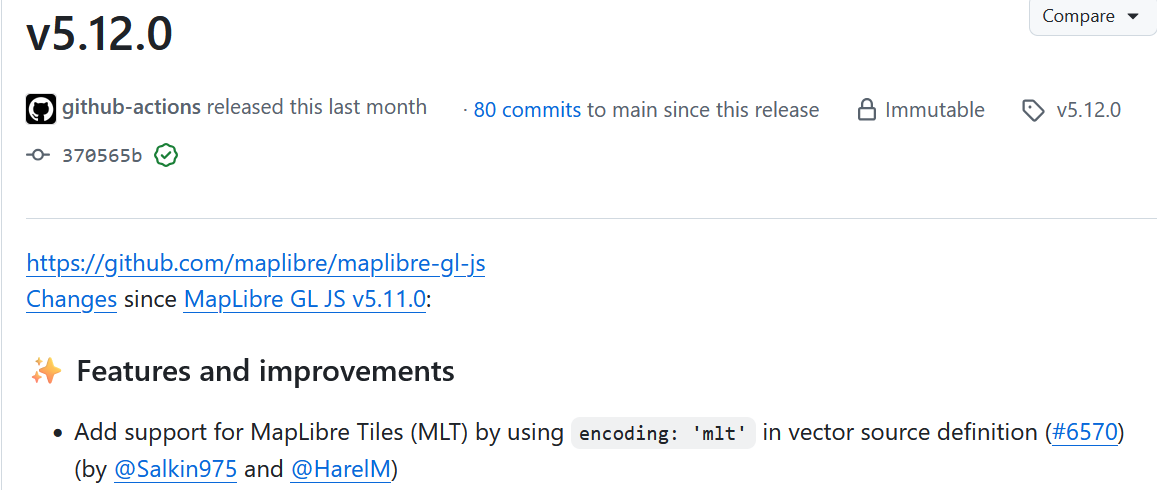
With the release of MapLibre GL JS v5.12.0, MapLibre Tiles (MLT) are now generally accessible to the normal user in a web browser!
This post gives a quick introduction to MapLibre Tiles and then peeks into their internal layout.
What Are MapLibre Tiles?
Until now, the standard vector tile format for MapLibre and Mapbox has been Mapbox Vector Tile (MVT). MapLibre introduced its own format at FOSS4G Europe this year.
The official English spec lives here.
The short version:
- A tile contains multiple layers (same as MVT).
- Each layer is defined by a FeatureTable.
- A FeatureTable contains multiple columns.
The biggest structural difference MVT is row-oriented, while MLT is column-oriented. In MVT, all information for a feature lives with that feature. MLT instead stores data column by column.
A major upside of columnar storage is compression. Columnar formats are commonly used in analytic systems (Parquet, BigQuery, ClickHouse, Snowflake, etc) because keeping data of the same kind physically close together improves compression.
The simplest example is run-length encoding (RLE), which represents repeated values as (run_length, value).
For instance, encoding [0, 0, 0, 1, 1, 0, 0] with RLE yields [3, 0, 2, 1, 2, 0]. RLE is easy to understand, easy to encode/decode, and often compresses well.
MLT uses RLE and other, more advanced encodings, but I will skip those details here. Check the encoding section of the spec if you want to learn more.
Playing With MLT
MapLibre hosts demo tiles at https://demotiles.maplibre.org/tiles-mlt/plain/tiles.json. The demo shown in “Display a map with MLT” uses these tiles.
Looking at the TileJSON, you can see "format": "pbf", "encoding": "mlt", and the tile extension is .mlt.
{
    "format": "pbf",
    "encoding": "mlt",
    "tiles": [
        "https://demotiles.maplibre.org/tiles-mlt/plain/{z}/{x}/{y}.mlt"
    ],
    ...
}
The extension does not affect behavior (content-type is application/octet-stream and content-encoding: gzip), but .mlt makes it easier to tell what you are looking at. MVTs often mix .pbf and .mvt, which has always been a pet peeve for me.
There are traces that protobuf might be used for metadata management, but it is not currently used.
Let’s download one of the demo tiles and decode it with the tools in the maplibre-tile-spec repository.
# Clone the MLT repo
git clone https://github.com/maplibre/maplibre-tile-spec
cd maplibre-tile-spec

# Download a tile to inspect
mkdir ./tmp
curl https://demotiles.maplibre.org/tiles-mlt/plain/0/0/0.mlt > ./tmp/plain_0_0_0.mlt

# The decoder is written in Java, so make sure JDK is available
cd ./java
./gradlew cli
java -jar mlt-cli/build/libs/decode.jar -mlt ../tmp/plain_0_0_0.mlt -printmlt
If everything works, you should see output like:
{
  "layers": [
    {
      "extent": 4096,
      "features": [
        {
          "geometry": "POINT (1252 1904)",
          "id": 0,
          "properties": {
            "ABBREV": "Aruba",
            "NAME": "Aruba"
          }
        },
        ...
The geometry field is WKT, but the coordinates are relative to the tile. For 0/0/0, the full EPSG:3857 extent maps to the bounding box (0, 0, 4096, 4096), which matches the layer extent.
Poking Around the Format
A few years ago, I wrote “Creating Vector Tiles from Scratch using TypeScript” and thought about doing an MLT version. I ended up giving up when I realized that MLT is much more complex than I had initially expected.
Instead, I decided to study the format and write about what I learned. Hopefully, I’ll be able to make a “making MLT tiles from scratch” blog post in the future.
Overall Layout
The spec is pretty light on implementation details, so from here on I am looking at the Java implementation.
The following repeats per layer:
- Byte length of
tag+metadata+featureTableBody(ref)- Marks “this layer spans these bytes.”
tag(ref)- Possibly the layer version? Currently hard-coded to
1.
- Possibly the layer version? Currently hard-coded to
metadata(ref)- Metadata for the layer itself
- Per column, it records:
- Column type (physical/logical, scalar or complex)
- Whether nulls are allowed
- Whether it has children
- Column name (if any; the
idand geometry columns currently have none) - Child column info (nested structure)
featureTableBody
Column Layout
Now that the overall layout is clear, let’s dig into columns.
Value and ID Columns
In the column metadata, columns are listed in the order id → geometry → values, but the encoding approach is the same (ref):
- Choose an encoder based on the column type (ref).
- Enumerate all features and copy their values into a
valuesarray.- If the column allows nulls, also build a
presentValuesarray.
- If the column allows nulls, also build a
- If
presentValuesexists, encode it as a boolean array. - Encode
values.
When encoding an array, the layout is:
- Metadata (encoding code)
- Encoded data:
- RLE (run-length encoding)
- FastPFOR (details)
- Strings are typically stored via a dictionary
in that order.
Geometry Column
There is optional pre-tessellation, which converts geometries to triangles for GPU rendering, but I will skip it here.
- Enumerate all features in the layer:
- Store each geometry type in an array.
- Flatten the vertices and store them in a vertex array.
- Compute min/max of the vertices.
- Build encodings for the vertices:
- Compute a Hilbert-curve-based dictionary.
- Compute a Morton (Z-order) dictionary.
- ZigZagDelta-encode the vertices and store them in an array.
- ZigZag encoding is the variable-length integer scheme familiar from protobuf.
- “Delta” refers to differences from the origin
(0, 0).- Example: a geometry with vertices
(100, 100), (150, 100), (150, 150), (100, 150)is encoded as(100, 100), (50, 0), (0, 50), (-50, 0).
- Example: a geometry with vertices
- Choose the smallest among the Hilbert dictionary, Morton dictionary, and ZigZag-encoded vertex array and store that in the tile.
Using dictionaries should help when geometries share the same coordinates.
Closing Thoughts
This turned into a long post. When I first saw MLT, I assumed it would be as quick to grasp as MVT. After staring at the spec and code for a few days, I still do not fully understand it.
I enjoy digging into binary formats like MVT and PMTiles, but I prefer when they are straightforward. Honestly, going through MLT was really challenging for me. I am not yet confident enough to say MLT is overly complex, or more complex than it needs to be — it feels like I’ve just scratched the surface — but I plan to keep studying it. Stay tuned for more posts in the future.