There are a couple ways to extract map tiles from the various archives - the most popular being MBTiles and PMTiles these days. The best way, though, is using tile-join from felt/tippecanoe:
tile-join -e dir/ input.pmtiles
This will output all tiles as a hierarchy in dir - dir/{z}/{x}/{y}.{ext}. When working with vector tiles, you might need to specify -pC (no tile compression). By default, tiles are compressed in the archive, but if you need the raw tiles in a directory, specifying this option will output the raw, uncompressed files.
In my quest for faster response times and page load speed, I’ve been playing around with Google’s SPDY. I finally got around to getting a SSL certificate for this website and installing the latest version of the SPDY module for Nginx.
WordPress, alone, doesn’t really support SSL on all pages out of the box – here are some extra things you probably want to implement.
Redirect all non-HTTPS traffic to the HTTPS server. For example, this is what I use:
Update 2014/4/24: I’ve updated the template to work with the latest HHVM 3.0+, and also squished some bugs.
I’ve been talking quite a bit about WordPress on HHVM recently, and it’s gotten a bit of attention, so I decided to open-source my Vagrant setup for running WordPress on HHVM.
I originally made this Vagrant setup to test HHVM on my local machine before deploying updates to the theme, plugins, etc.
Have fun, and please ping me if you have any problems!
I recently posted about how I switched out PHP-FPM (PHP’s FastCGI pool) for HHVM. Today I’ll be talking more about the install process on the server, and using it to set up WordPress.
What is HHVM?
This is usually what happens in a (successful) startup[footnote]Twitter is (in)famous for its use of Ruby on Rails, which eventually had to be re-written in Scala, a language that runs on the JVM.[/footnote]:
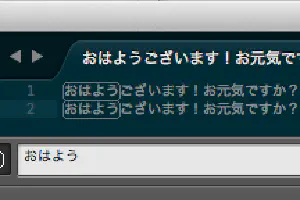
The link is in Japanese; I’ve (roughly) translated the steps required to achieve the same result below:
Open the Sublime Text keymap file. This is at ~/Library/Application Support/Sublime Text 3/Packages/Default/Default (OSX).sublime-keymap -- Sublime Text 3 didn’t let me edit the file in-place, so I had to use a different text editor.
Second, which may (or may not) be so obvious. I’m running this site on NGINX ( blog post), but I’ve switched out PHP-FPM for Facebook’s HHVM. Based on my preliminary benchmarks, response time is around twice as fast, and throughput has increased ten-fold. I will write a more comprehensive post about using HHVM in the near future.
The ease of making a WordPress theme is both a blessing and a curse. It allows people to get started with programming relatively easy – most hosting providers have PHP / MySQL, and the majority have a WordPress quick-install. However, this easiness comes with a dangerous pitfall – it’s easy to do the wrong thing. The classic example of this is query_posts (hint: never use it).
Today, I’ll talk about wp_enqueue_script and wp_enqueue_style. If you have ever made a plugin that requires additional stylesheets or scripts in the front-end, you know exactly what this is (and why it’s important).
Rails Turbolinks is pretty cool, right? I thought it would be pretty cool to use it on WordPress, too.
There are probably a lot of bugs, and it probably doesn’t work well with JavaScript-heavy sites. I’ve included the jQuery compatibility layer, but it’s still not perfect. Use at your own risk.
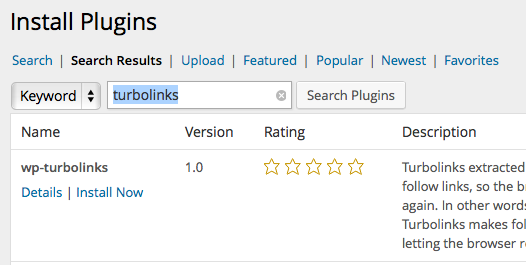
To install, just search the WordPress plugin repository for “turbolinks”
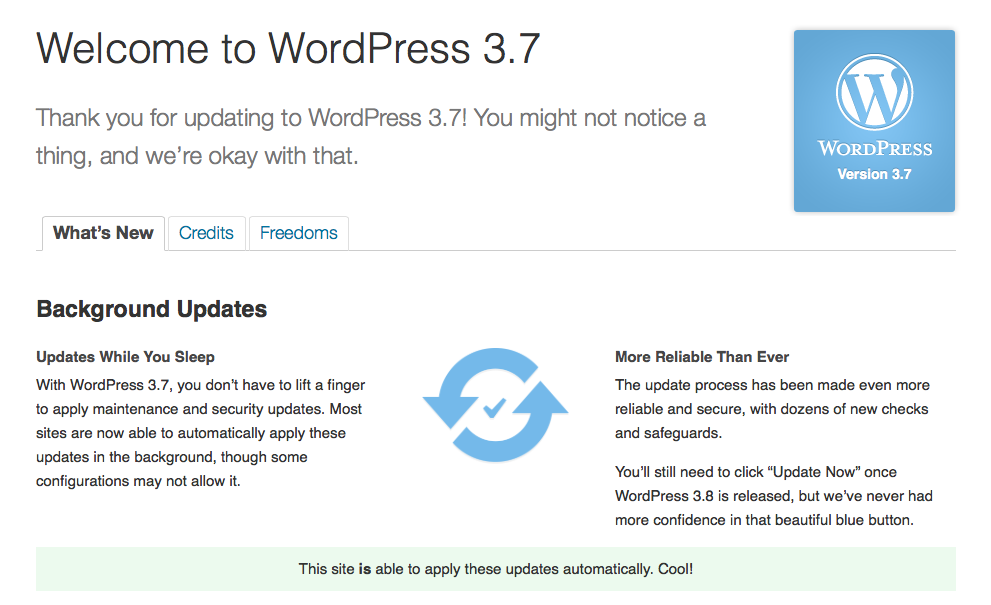
Although there are quite a few features in this release, I want to talk about what I feel is the most important feature: automatic updates.
It’s a fairly simple - when a new version of WordPress is released, your installation will be updated (almost) immediately. As of 3.7, these automatic updates are limited to minor maintenance releases to make sure they won’t break your theme or plugin.