There are a couple ways to extract map tiles from the various archives - the most popular being MBTiles and PMTiles these days. The best way, though, is using tile-join from felt/tippecanoe:
tile-join -e dir/ input.pmtiles
This will output all tiles as a hierarchy in dir - dir/{z}/{x}/{y}.{ext}. When working with vector tiles, you might need to specify -pC (no tile compression). By default, tiles are compressed in the archive, but if you need the raw tiles in a directory, specifying this option will output the raw, uncompressed files.
I’ve been playing around with Vagrant recently. It really is a great tool for setting up development environments quickly and cleanly - no more local MySQL databases with 100 separate databases!
There are a few ways to solve this problem that many WordPress developers have:
Regularly clean your databases up and delete old ones.
Use a common WordPress install, switching themes.
Use Vagrant.
I’m going to be talking about the last option, Vagrant, in this blog post. I’ll list out a few reasons why Vagrant was attractive to me in the first place:
If you aren’t familiar with Marshal.dump and Marshal.load, you probably should be. It’s used to serialize Ruby objects into binary data - mostly caching.
my_data =Rails.cache.fetch('an_object') doMyData.where(condition: 1).includes(:user).first
endmy_data.user
# On cache miss:# => SELECT "my_datas".* FROM "my_datas" WHERE "condition" = 1 ORDER BY "id" ASC LIMIT 1# => SELECT "users".* FROM "users" WHERE "id" = 1# On cache hit:# => SELECT "users".* FROM "users" WHERE "id" = 1
So, I wrote a quick module to make Marshal.dump and Marshal.load dump and load the association data, as well.
Just writing to let you know that I’ve switched servers for this blog! I’ve been meaning to get this on to a faster server that I have control over for awhile, and I finally got around to doing it.
For those of you who are curious, this site is being served by WordPress Multisite, on a Sakura 2G VPS.
That’s it! There is some moderate caching in most layers (WordPress Object Cache, APC, NGINX, etc), but nothing too drastic. It’s much faster now than it was on the previous server - we’ll see how this one holds up.
One of the things that I’ve built regularly are custom WordPress themes for clients. Let me clarify – a custom theme for each client. One theme per client.
So, I decided to try my hand at making a “proper” WordPress theme – a theme for regular users. And I submitted it to the WordPress themes gallery. Successfully!
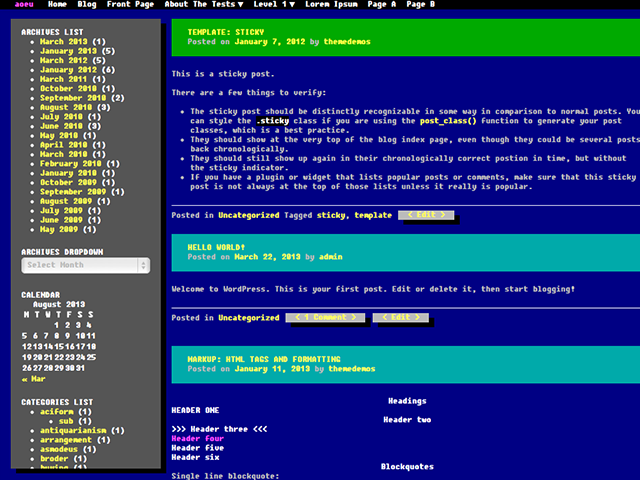
[caption id=“attachment_304” align=“aligncenter” width=“640”] wp386 - my first public WordPress theme![/caption]
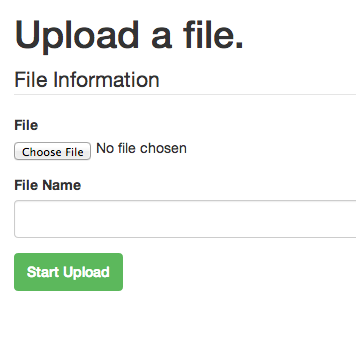
There have been more than a few times where someone needs to send a big file to me. So, I made a quick and dirty tool to allow anyone to upload files directly to a S3 bucket.
No more shuffling links around, worrying about them expiring, and wondering whether the data stored is safe or not.
It may be easy to use the same master Access Key and Secret Access Key for all your apps using Amazon AWS, but it’s definitely not secure and recommended against.
That said, I had a little trouble writing the IAM policy granting a single user access to a single S3 bucket. I finally had time to sit down and figure it out today, and turns out - it’s pretty easy. Up to this point, I’m assuming that you’ve already created your user, but if you haven’t - the IAM management console is located here: https://console.aws.amazon.com/iam/home?#users.